Connected POS, payroll, inventory, online ordering, loyalty, and accounting systems reduce exceptions, save manager hours, and help you scale without chaos.
Running a multi-unit restaurant operation rarely fails because you don't have enough tools. It fails because your tools don't agree.
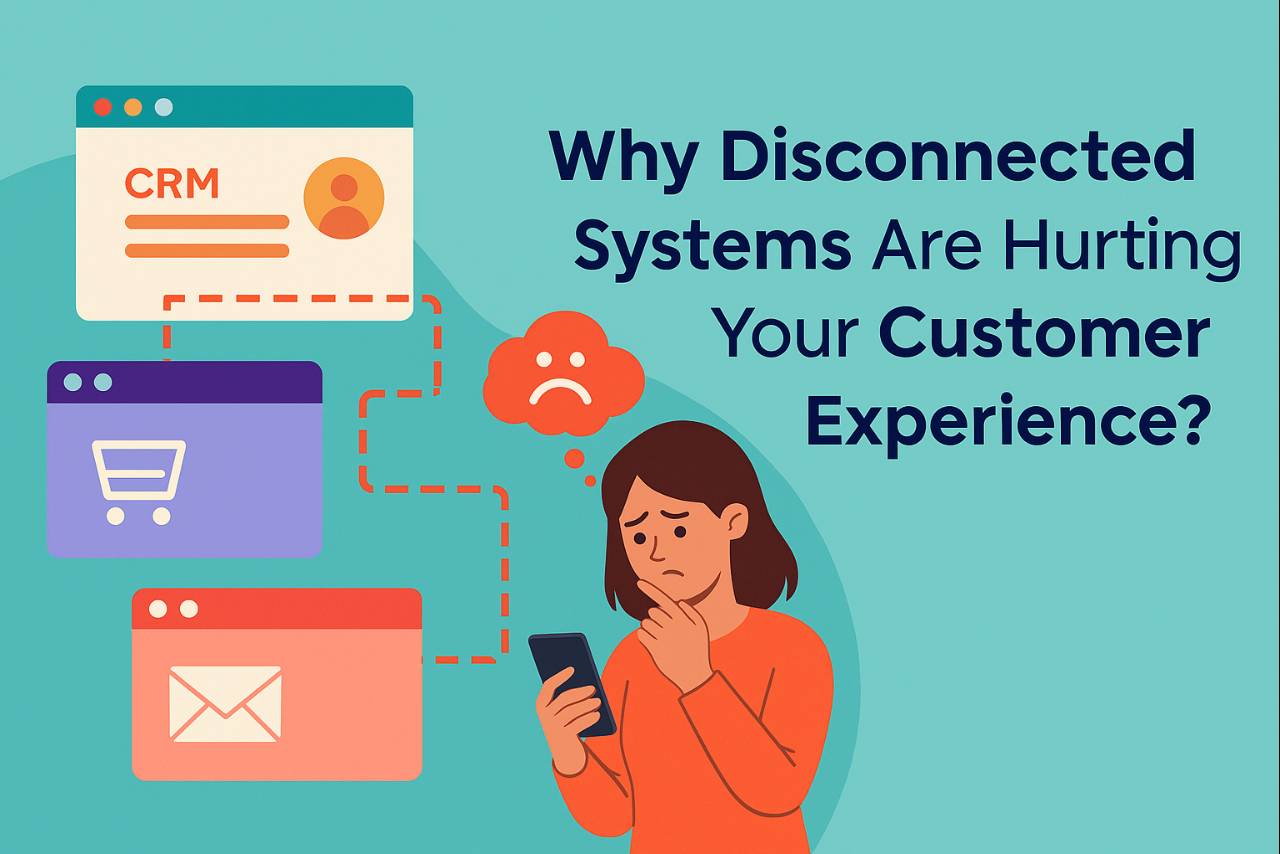
When your POS, online ordering, labor, payroll, inventory, loyalty, and accounting systems are disconnected, managers quietly become the "integration layer" - exporting files, fixing mismatches, and reconciling numbers after the fact. The Restaurant Tech Stack Glow-Up breaks down why connected ecosystems are replacing patchwork stacks in 2026.
That hidden admin tax shows up in the places that hurt most- payroll corrections and tip disputes, menu price mismatches across channels, inventory variance you can't explain, and reporting you don't fully trust until it's too late.
In 2026, the competitive advantage isn't having more software. It's running a restaurant business where systems stay in sync - so operators can execute faster with fewer surprises. For a quick example of how one mismatch can cascade across teams, see The Integration Snowball Effect.
Running a multi-unit restaurant operation rarely fails because you don't have enough tools. It fails because your tools don't agree.
When your POS, online ordering, labor, payroll, inventory, loyalty, and accounting systems are disconnected, managers quietly become the "integration layer" - exporting files, fixing mismatches, and reconciling numbers after the fact. The Restaurant Tech Stack Glow-Up breaks down why connected ecosystems are replacing patchwork stacks in 2026.
That hidden admin tax shows up in the places that hurt most- payroll corrections and tip disputes, menu price mismatches across channels, inventory variance you can't explain, and reporting you don't fully trust until it's too late.
In 2026, the competitive advantage isn't having more software. It's running a restaurant business where systems stay in sync - so operators can execute faster with fewer surprises. For a quick example of how one mismatch can cascade across teams, see The Integration Snowball Effect.
The Multi-Unit Reality- One Small Issue Turns Into Ten Bigger Ones
Here's the pattern most multi-unit teams recognize instantly- you change one menu price in the POS, but it doesn't update everywhere else. This is the classic "snowball effect" in restaurant operations.
That "small" miss triggers a chain reaction. Delivery menus still show the old price, promotions misfire, kitchen totals don't match, refunds go up, inventory depletion drifts, loyalty points calculate incorrectly, and accounting ends up chasing exceptions-again.
That's not a minor tech problem. It's operational drag that compounds across locations and brands.
The good news is that connected workflows stop the snowball. Update once, and the change flows where it's supposed to-automatically.
That "small" miss triggers a chain reaction. Delivery menus still show the old price, promotions misfire, kitchen totals don't match, refunds go up, inventory depletion drifts, loyalty points calculate incorrectly, and accounting ends up chasing exceptions-again.
That's not a minor tech problem. It's operational drag that compounds across locations and brands.
The good news is that connected workflows stop the snowball. Update once, and the change flows where it's supposed to-automatically.
What "Connected Systems" Really Means (In Operator Terms)
Integration isn't about APIs. It's about consistency, control, and fewer exceptions.
In practical terms, "connected" means the systems that run your business reflect the same reality at the same time.
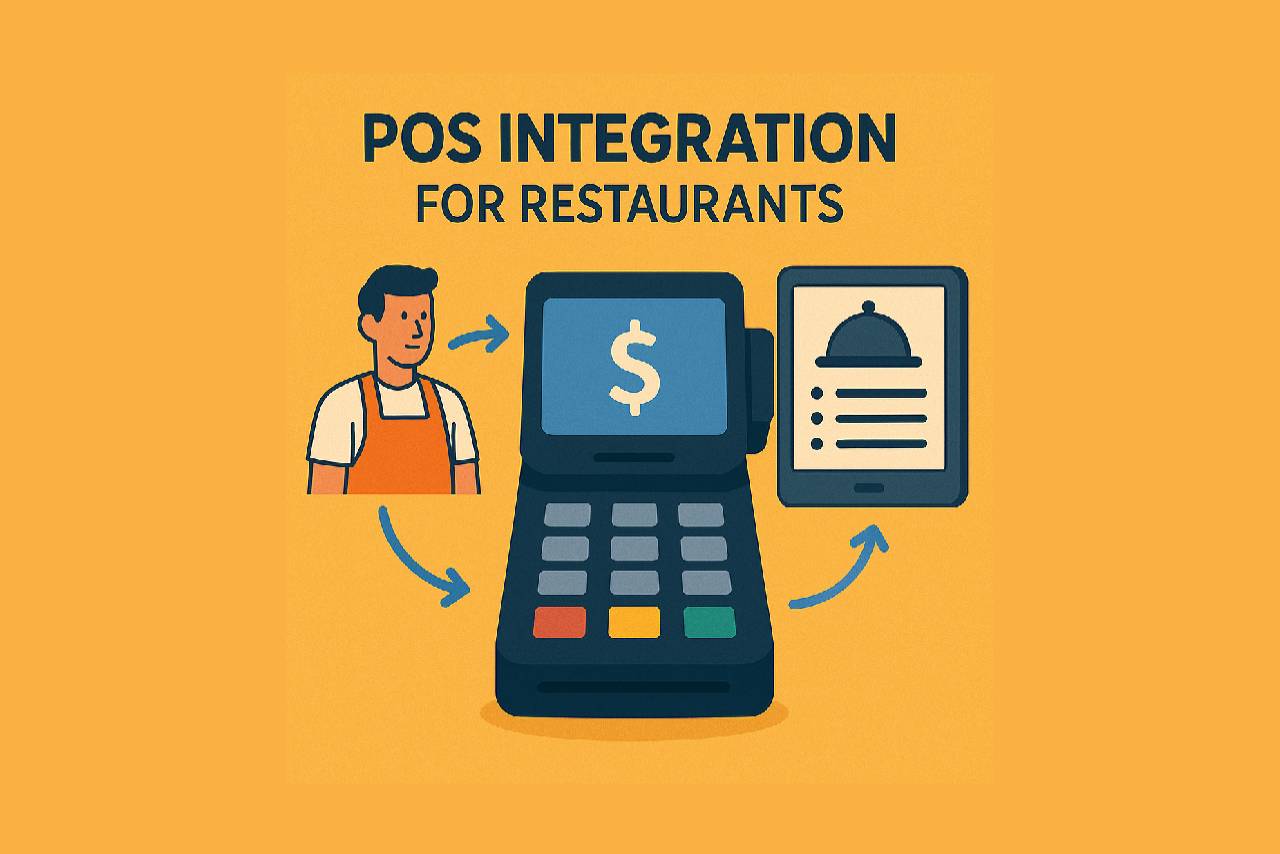
At the center of most stacks is the POS-and the value comes from how well it integrates with everything else. POS Integration for Restaurants explains what that looks like at scale.
Your menus and pricing stay consistent across the POS, kiosks, web ordering, and delivery platforms.
Labor flows cleanly into payroll-time punches, job codes, and location mappings don't require spreadsheets and manual cleanup.
Inventory feels trustworthy again because salesdriven depletion and purchasing data reflect what actually happened today, store by store.
Digital orders-whether third-party or first-party-route reliably into the POS and reporting, so you're not constantly reconciling missing tickets or mismatched totals.
Most importantly, leadership gets one version of truth-consistent KPIs across locations and channels-so decisions aren't delayed by data debates.
That's how operations move faster without adding manager workload.
In practical terms, "connected" means the systems that run your business reflect the same reality at the same time.
At the center of most stacks is the POS-and the value comes from how well it integrates with everything else. POS Integration for Restaurants explains what that looks like at scale.
Your menus and pricing stay consistent across the POS, kiosks, web ordering, and delivery platforms.
Labor flows cleanly into payroll-time punches, job codes, and location mappings don't require spreadsheets and manual cleanup.
Inventory feels trustworthy again because salesdriven depletion and purchasing data reflect what actually happened today, store by store.
Digital orders-whether third-party or first-party-route reliably into the POS and reporting, so you're not constantly reconciling missing tickets or mismatched totals.
Most importantly, leadership gets one version of truth-consistent KPIs across locations and channels-so decisions aren't delayed by data debates.
That's how operations move faster without adding manager workload.
The Outcomes That Matter- Less Admin, Fewer Exceptions, Better Control
When systems don't match, operators spend time fixing instead of running the business.
When systems do match, the improvements show up quickly- fewer payroll adjustments and disputes, fewer refunds caused by pricing mismatches, better visibility into food cost drivers, faster rollouts of menu/pricing/promo changes, and reports you can trust the same day. If these pain points sound familiar, The 5 Invisible Data Mistakes walks through common "silent" data issues and how integration removes them.
To make that difference tangible, here's a directional "before vs. after" pattern. Results vary by brand and system mix-these are illustrative figures.
Before vs. After (Illustrative)
When systems do match, the improvements show up quickly- fewer payroll adjustments and disputes, fewer refunds caused by pricing mismatches, better visibility into food cost drivers, faster rollouts of menu/pricing/promo changes, and reports you can trust the same day. If these pain points sound familiar, The 5 Invisible Data Mistakes walks through common "silent" data issues and how integration removes them.
To make that difference tangible, here's a directional "before vs. after" pattern. Results vary by brand and system mix-these are illustrative figures.
Before vs. After (Illustrative)
| Metric | Disconnected workflows | Connected workflows |
| Manager admin time chasing data | 8-10 hrs/week | 1-2 hrs/week |
| Inventory variance (pattern) | 15-25% is common | <5% with reliable depletion |
| Menu/price updates across channels | Manual updates + mismatches | Real-time sync across channels |
| Reporting visibility | Delayed/inconsistent KPIs | Near-real-time visibility |
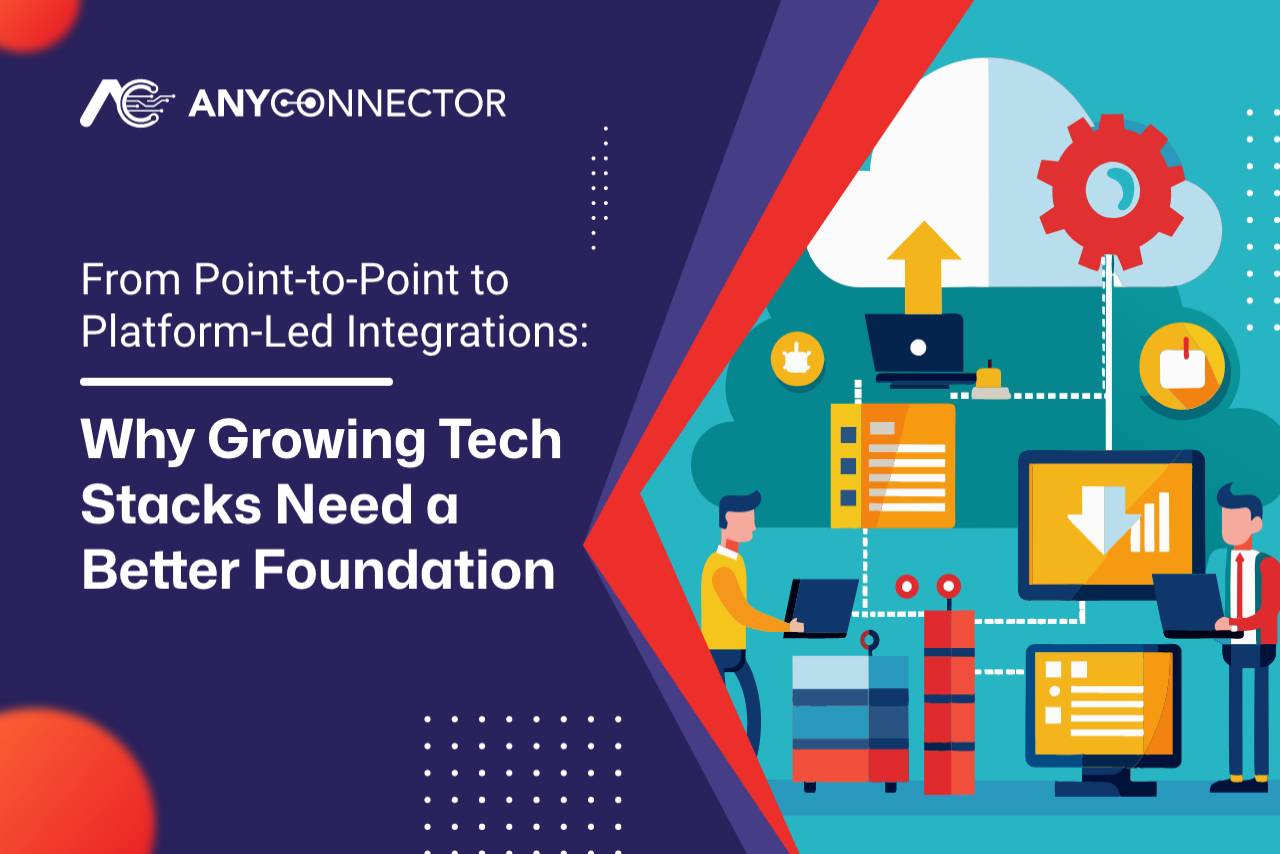
Why Integration Platforms Beat PointtoPoint "Spaghetti Fixes"
Most brands start the same way- they connect two systems at a time-POS to payroll, ordering to POS, POS to accounting.
It works until something changes. A vendor updates an API. You open a new location. A franchisee runs a different system. You add another ordering channel. Suddenly the setup becomes fragile, and you're back to firefighting.
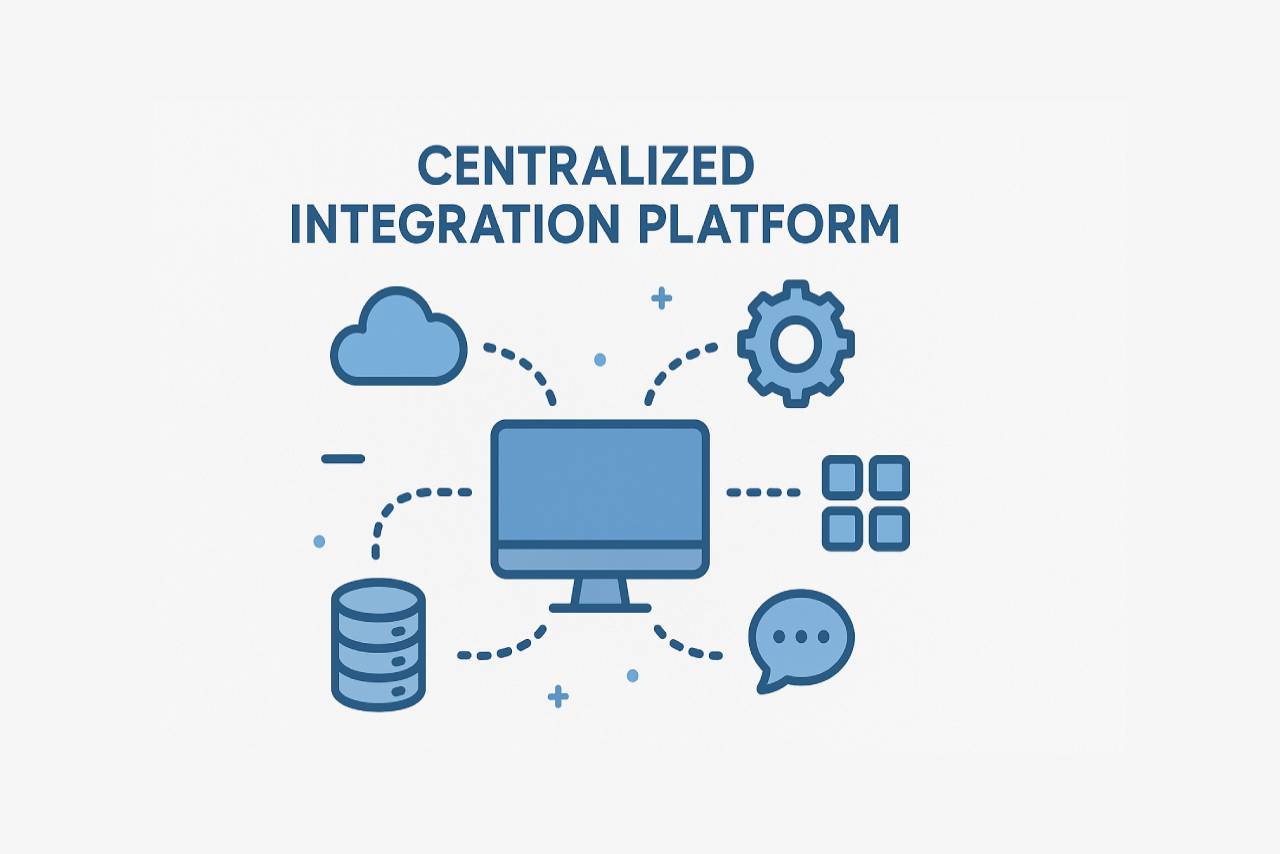
A centralized integration platform avoids that fragility by standardizing data movement and making workflows reusable as you scale. The Quiet Revolution in Restaurant Tech (Middleware) explains why middleware is replacing custom, point-to-point dev work.
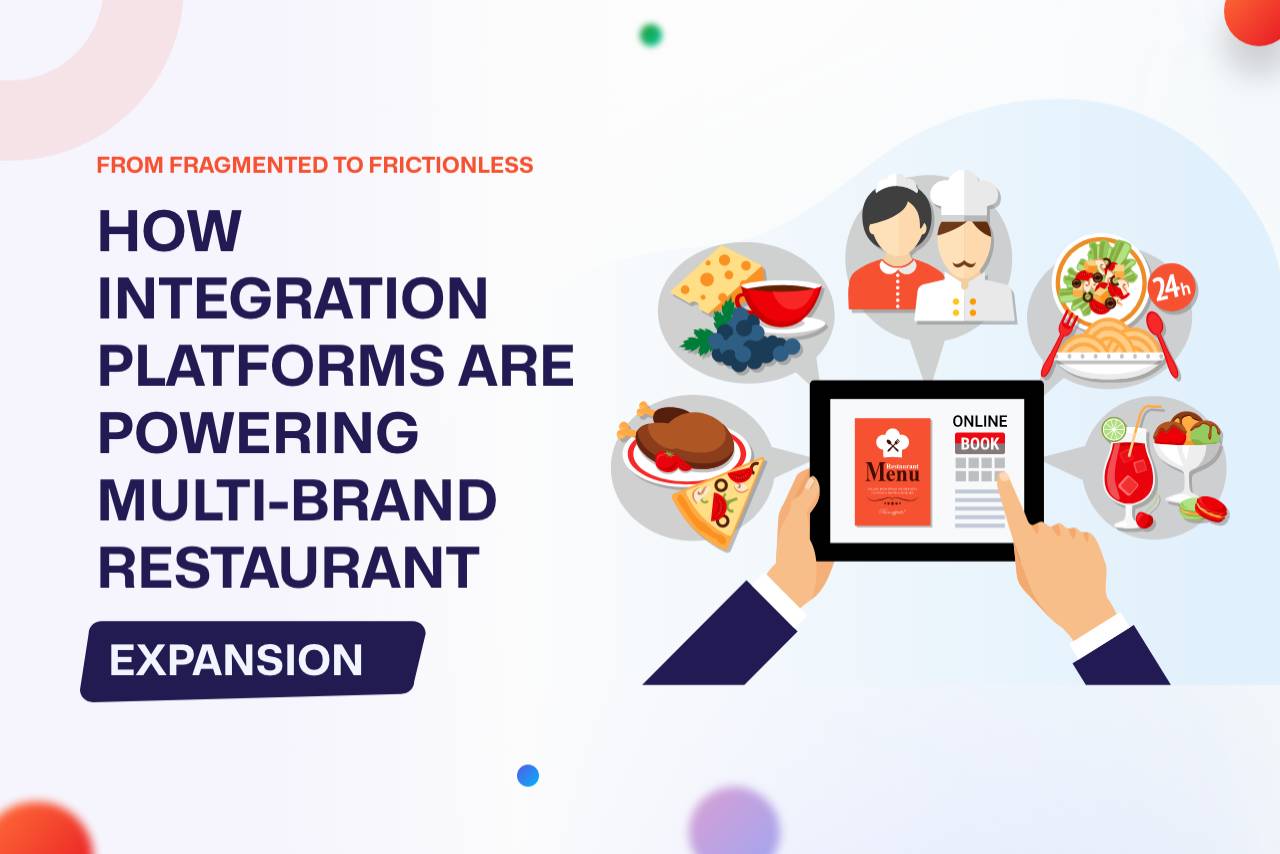
If you're scaling across multiple concepts or brands, From Fragmented to Frictionless (Multi-Brand Expansion) is a good companion read.
For operators, that translates into fewer "it broke again" surprises, less manual cleanup, faster rollouts across stores, and more predictable operations.
It works until something changes. A vendor updates an API. You open a new location. A franchisee runs a different system. You add another ordering channel. Suddenly the setup becomes fragile, and you're back to firefighting.
A centralized integration platform avoids that fragility by standardizing data movement and making workflows reusable as you scale. The Quiet Revolution in Restaurant Tech (Middleware) explains why middleware is replacing custom, point-to-point dev work.
If you're scaling across multiple concepts or brands, From Fragmented to Frictionless (Multi-Brand Expansion) is a good companion read.
For operators, that translates into fewer "it broke again" surprises, less manual cleanup, faster rollouts across stores, and more predictable operations.
Streamline Your Inventory. Order Smartly.
Start Simplifying Your Orders with Any Connector
What You Can Connect with Any Connector (Common Restaurant Systems)
Restaurant tech stacks vary, but the categories are consistent. Any Connector supports integration across restaurantcritical systems-POS, payroll, employee onboarding, food distributors, online ordering, loyalty, and accounting-so data stays consistent endtoend.
That includes widely used systems across the stack, from POS providers like Plum, Toast, Square, Aloha, Micros, Brink, Revel, Clover, and Xenial to payroll/HR tools like ADP, Paychex, Paycor, Paylocity, and Proliant.
It also covers distributor and ordering ecosystems (Sysco, US Foods, Gordon Food Service, DoorDash, Grubhub, Olo, Uber Eats), loyalty platforms (Punchh, SparkFly), and accounting systems like QuickBooks and Oracle NetSuite.
And if your system isn't listed, that's common too-many multi-unit brands run a mix of legacy and modern tools, and the ecosystem is designed to expand as needed.
That includes widely used systems across the stack, from POS providers like Plum, Toast, Square, Aloha, Micros, Brink, Revel, Clover, and Xenial to payroll/HR tools like ADP, Paychex, Paycor, Paylocity, and Proliant.
It also covers distributor and ordering ecosystems (Sysco, US Foods, Gordon Food Service, DoorDash, Grubhub, Olo, Uber Eats), loyalty platforms (Punchh, SparkFly), and accounting systems like QuickBooks and Oracle NetSuite.
And if your system isn't listed, that's common too-many multi-unit brands run a mix of legacy and modern tools, and the ecosystem is designed to expand as needed.
A Practical 30Day Integration Playbook (No Fluff)
If you want fast ROI, don't try to integrate everything at once. Start with one high-friction workflow-the one that creates weekly pain.
For many brands, that's time punches flowing into payroll, menu and price updates flowing to ordering channels, or POS sales flowing into inventory.
If payroll cleanup is your biggest recurring headache, start by automating the time-and-tips path into payroll. Automated Payroll Integration for Restaurants covers why this is often the fastest operational win.
Want a concrete example of what "clockin to paycheck" looks like when systems are connected? A Day in the Life of Restaurant Data (ClockIn to Paycheck) walks the data flow step-by-step.
Pick one workflow, then get specific about what "correct" looks like- define your source of truth for items, employees, locations, and pay codes.
Next, standardize your mappings-IDs, roles, and locations-so each system is speaking the same language.
Then add monitoring and exception rules so issues surface immediately, not at payroll close or month-end.
Once you measure impact, you've created a repeatable pattern. Roll that same approach to the next workflow-without reinventing the wheel each time.
For many brands, that's time punches flowing into payroll, menu and price updates flowing to ordering channels, or POS sales flowing into inventory.
If payroll cleanup is your biggest recurring headache, start by automating the time-and-tips path into payroll. Automated Payroll Integration for Restaurants covers why this is often the fastest operational win.
Want a concrete example of what "clockin to paycheck" looks like when systems are connected? A Day in the Life of Restaurant Data (ClockIn to Paycheck) walks the data flow step-by-step.
Pick one workflow, then get specific about what "correct" looks like- define your source of truth for items, employees, locations, and pay codes.
Next, standardize your mappings-IDs, roles, and locations-so each system is speaking the same language.
Then add monitoring and exception rules so issues surface immediately, not at payroll close or month-end.
Once you measure impact, you've created a repeatable pattern. Roll that same approach to the next workflow-without reinventing the wheel each time.
See It in Action
If you're managing multiple locations-or expanding-integration is one of the fastest ways to reduce admin load and improve operational control.
Book a demo to see how Any Connector can connect your POS, payroll, inventory, ordering, loyalty, and accounting-without the spreadsheet chaos.
Book a Demo- anyconnector.com
Looking for more operator-focused integration ideas? Browse the AnyConnector Blog for additional articles.
Book a demo to see how Any Connector can connect your POS, payroll, inventory, ordering, loyalty, and accounting-without the spreadsheet chaos.
Book a Demo- anyconnector.com
Looking for more operator-focused integration ideas? Browse the AnyConnector Blog for additional articles.
Recommended
integrated-platforms

integrated-platforms
Automation in Hospitality- Transforming Guest Experiences and

integrated-platforms
integrated-platforms

integrated-platforms

integrated-platforms

integrated-platforms
integrated-platforms
integrated-platforms
integrated-platforms
integrated-platforms
integrated-platforms

integrated-platforms
integrated-platforms

integrated-platforms

integrated-platforms
integrated-platforms
integrated-platforms
integrated-platforms
integrated-platforms
integrated-platforms
integrated-platforms
integrated-platforms
How Integration Platforms Are Revolutionizing Business Technology
integrated-platforms
integrated-platforms
integrated-platforms
integrated-platforms
integrated-platforms
Overcoming API Documentation Challenges- How Middleware Bridges
integrated-platforms
integrated-platforms
integrated-platforms
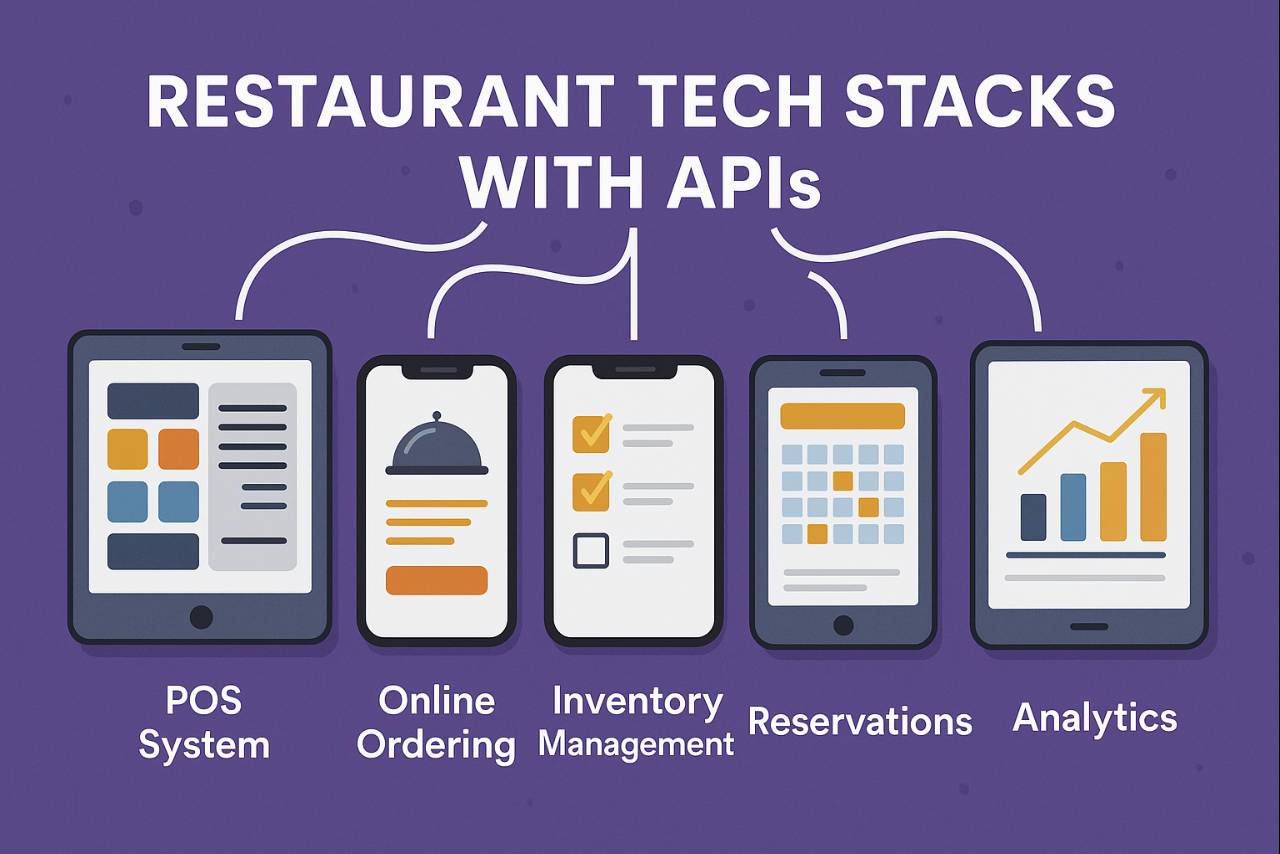
Composable Architecture- Building Modular Restaurant Tech Stacks
integrated-platforms
integrated-platforms
Low-Code/No-Code API Integration for Non-Tech Restaurant Teams

integrated-platforms
integrated-platforms
integrated-platforms
integrated-platforms
integrated-platforms
integrated-platforms
integrated-platforms
integrated-platforms
integrated-platforms
integrated-platforms
integrated-platforms
integrated-platforms

integrated-platforms
integrated-platforms
integrated-platforms
integrated-platforms
integrated-platforms
integrated-platforms
integrated-platforms
integrated-platforms

integrated-platforms

integrated-platforms
integrated-platforms
integrated-platforms
integrated-platforms
integrated-platforms
integrated-platforms
integrated-platforms
integrated-platforms
integrated-platforms
integrated-platforms
integrated-platforms
integrated-platforms
integrated-platforms
From Point-to-Point to Platform-Led Integrations- Why Growing
integrated-platforms
integrated-platforms